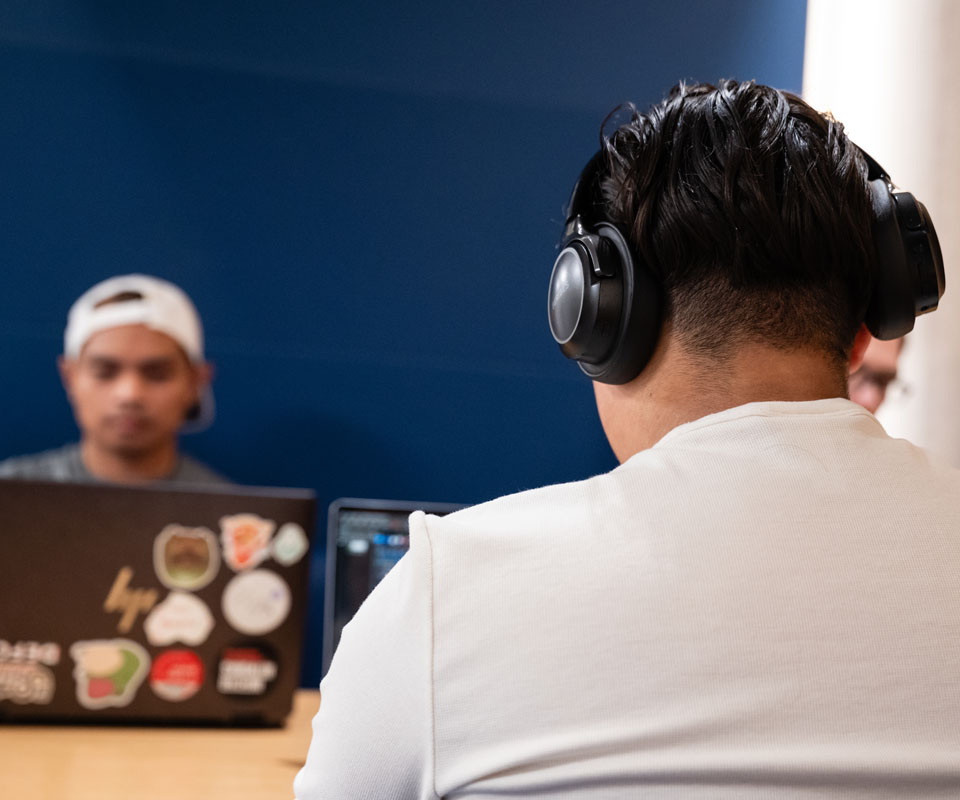
Several products are available to support our qualifying students with disabilities in adapting to their learning environment. These can help remove barriers.
If applicable, the use of adaptive/assistive technology can be discussed during your meeting with an Accessibility Advisor. You can also discuss funding options for assistive technology with your advisor.
Common educational assistive technologies
|
Text-to-speech software |
This technology converts written text into spoken words, helping students with visual impairments, dyslexia, or other reading difficulties access and understand written content. |
|
Speech-to-text software |
Designed for students with physical disabilities or those who struggle with writing, this technology converts spoken words into written text, allowing them to express ideas and complete written assignments more easily. |
|
Screen readers |
Screen reading software interprets digital text and converts it into synthesized speech, making digital content accessible to students with visual impairments or reading difficulties. |
|
Electronic pens |
These devices record handwritten notes in digital form, as well as audio that is synced to the notes themselves. |
|
Pen readers |
These devices enable students to scan physical documents and have them read aloud to them. |
|
Braille displays |
These devices convert digital text into Braille, enabling students with visual impairments to read and interact with digital content. |
|
Graphic organizers |
Assistive software or tools help students with learning disabilities organize information visually, aiding in comprehension and information retention. |
|
Augmentative and alternative communication (AAC) devices |
These devices assist students with communication disorders or speech impairments by providing alternative means of expression, such as symbol-based communication boards or electronic devices with speech output. |
|
Magnification tools |
Software or devices that magnify digital or printed text and images, supporting students with visual impairments or low vision. |
|
Customizable fonts and colours |
Allows students to adjust the appearance of text and background colours, font size, and spacing to accommodate individual preferences and needs. |
|
Keyboard adaptations |
Modified keyboards or keyboard overlays can help students with motor difficulties or physical disabilities type more comfortably. |
|
Electronic math worksheets |
Specialized software that assists students with learning disabilities in solving mathematical problems by providing step-by-step guidance and visual aids. |
|
Educational apps |
Various apps are designed to support specific learning needs, including apps for language development, executive function skills, memory enhancement, and more. |
Software and extensions to help you read and write
Discover how to get, install, and use the Read&Write software and toolbar to make reading and writing easier.
- Download Read&Write or add the extension before your appointment.
- Sign in with your school Microsoft account.
- Pick the option in the extension “For Education.”
Browser extension (best for online content)
Install on Microsoft Edge
- Download Read&Write for Microsoft Edge
- Pick the option in the extension "For Education."
- Sign in with your Microsoft school account
- Press the screenshot reader button and get the extension.
- Press the three dots to the right of the toolbar to adjust your settings, such as voice and speed.
Software download (best to use with a PDF reader for modules)
Install on a Windows PC
- Download the Read&Write installer for Windows.
- Run the install and accept the user terms.
- Review the End User License Agreement (EULA) and click "Accept and Install."
- Launch the program from the desktop icon.
- Sign in with your Microsoft account to access Read&Write features.
Install on Apple MacOS
- Download Read&Write for Mac.
- Run the Read&Write.dmg and drag the Read&Write icon to the Applications folder.
Contact us
Accessibility Services
Lamb Learner Success Centre, MC221, Stan Grad Centre
- Phone
- 403.774.5093
-
Monday - Friday | 8 am - 4 pm

Oki, Âba wathtech, Danit'ada, Tawnshi, Hello.
SAIT is located on the traditional territories of the Niitsitapi (Blackfoot) and the people of Treaty 7 which includes the Siksika, the Piikani, the Kainai, the Tsuut’ina and the Îyârhe Nakoda of Bearspaw, Chiniki and Goodstoney.
We are situated in an area the Blackfoot tribes traditionally called Moh’kinsstis, where the Bow River meets the Elbow River. We now call it the city of Calgary, which is also home to the Métis Nation of Alberta.