Frank Bergdoll, SAIT’s AI project lead and creator of a YouTube channel on learning and technology, shares four steps to treating AI like a partner and using the technology more effectively.
Photo from Frank Bergdoll
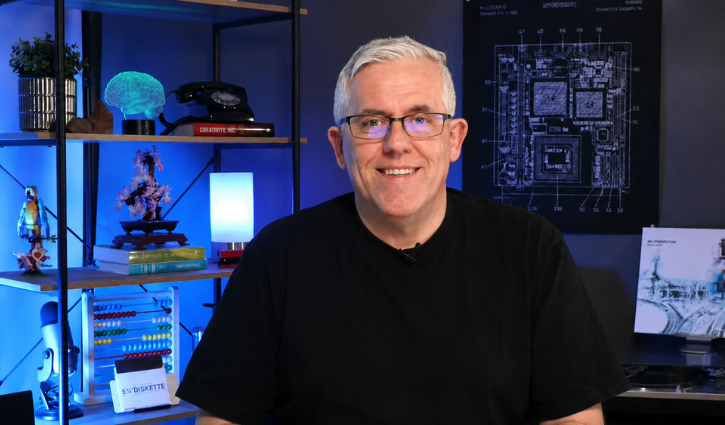
With so many companies trying to win the artificial intelligence (AI) race, it can seem like there’s a new AI tool available every day. The most popular — ChatGPT for brainstorming and writing, Gemini for quick questions and Perplexity for research — are just a few among a sea of products. It’s part of why many people are feeling “AI fatigue” and have yet to try the technology.
But Frank Bergdoll, SAIT’s AI Project Lead and the creator behind the popular YouTube channel Learning and Technology with Frank, says treating AI as a partner can help expand our thinking, develop new perspectives and spark creativity.
So how do we get there?
It starts with learning how to work with AI before having it take on a task for you — much like not letting a new hire run the day-to-day operations of a business until they’ve been carefully trained.
In this installment of Pro Tips, Bergdoll talks with LINK writer Lisa Tanh to break down four simple steps to making AI work with you, whether at work or in your day-to-day life. And, to make them easy to remember, Bergdoll calls them the four p’s: purpose, position, persona and partnership.
“Say, for example, I prompt AI to create a plan that helps me learn about different countries by giving me a list of books to read about their cultures,” he says.
“Writing a prompt that also says I enjoy novels, I speak English and French, and I am reading for relaxation will put the AI into a situation where it understands its role, the context, the format of what you'd like delivered, and the tonality you'd like it to use,” he says.
The same approach works for tailoring how you’d like information presented. “I really like bullet points and tables — especially when I’m doing initial research,” Bergdoll says. “So I put that into the prompt. Or I can go into the settings for the AI tool and set that as a universal preference.”
Asking the tool one question at a time will help create a back-and-forth discussion that lets you adjust and steer the results.
“You’re using AI to generate outputs, but ultimately, you’re in charge of validating those results,” Bergdoll says. “You make sure the results meet your needs and represent what you actually would like to do.”
Like what you are reading?
Find more stories from past, present and upcoming issues of LINK magazine!

Oki, Âba wathtech, Danit'ada, Tawnshi, Hello.
SAIT is located on the traditional territories of the Niitsitapi (Blackfoot) and the people of Treaty 7 which includes the Siksika, the Piikani, the Kainai, the Tsuut’ina and the Îyârhe Nakoda of Bearspaw, Chiniki and Goodstoney.
We are situated in an area the Blackfoot tribes traditionally called Moh’kinsstis, where the Bow River meets the Elbow River. We now call it the city of Calgary, which is also home to the Métis Nation of Alberta.